New Construction Punch List: What Buyers Should Check Before Closing
In this article
A new construction punch list is the written record of incomplete, damaged, nonworking, or finish items that still need an answer before or after closing. A useful list names the room, exact spot, visible condition, requested next step, owner, and status for every item.
Do not treat the punch list as a pile of blue tape photos. Build one master record. Rank the items. Keep builder responses. Verify agreed work. Save the final version with your closing and warranty files.

Where punch-list items come from
The list may combine items found by the builder, buyer, home inspector, and trades. Each source has a different role.
The builder may have an internal quality list. The buyer may create a finish list during the blue tape visit. A home inspector may write a technical report. A local code inspector may require work under the permit. These records should not be mixed without labels.
The blue tape walkthrough guide explains the buyer-builder visit. The final inspection guide explains the private inspector's report.
What belongs on the buyer's master list
Include items that are incomplete, visibly damaged, not working in normal use, different from the signed selection, or accepted by the builder for follow-up.
Examples include:
an unfinished paint or drywall area;
a cabinet door that does not work correctly;
missing hardware, screen, shelf, cover, or accessory;
a cracked tile or damaged counter edge;
a faucet leak or drain concern seen during normal use;
a window or door that will not latch;
an appliance or control that does not respond;
unfinished exterior work or debris;
new damage caused by later work; and
an inspection item submitted to the builder.
Keep an item even when the builder rejects it. Record the response and status. Do not erase history.
Use one item per row
Do not place ten concerns in one paragraph. One item per row makes ownership, status, photos, and verification clear.
Use these fields:
Item number
Date found
Source
Room or area
Exact spot
Visible result
Photo or report reference
Requested next step
Builder response
Assigned trade or owner
Target date, if provided
Status
Verification note
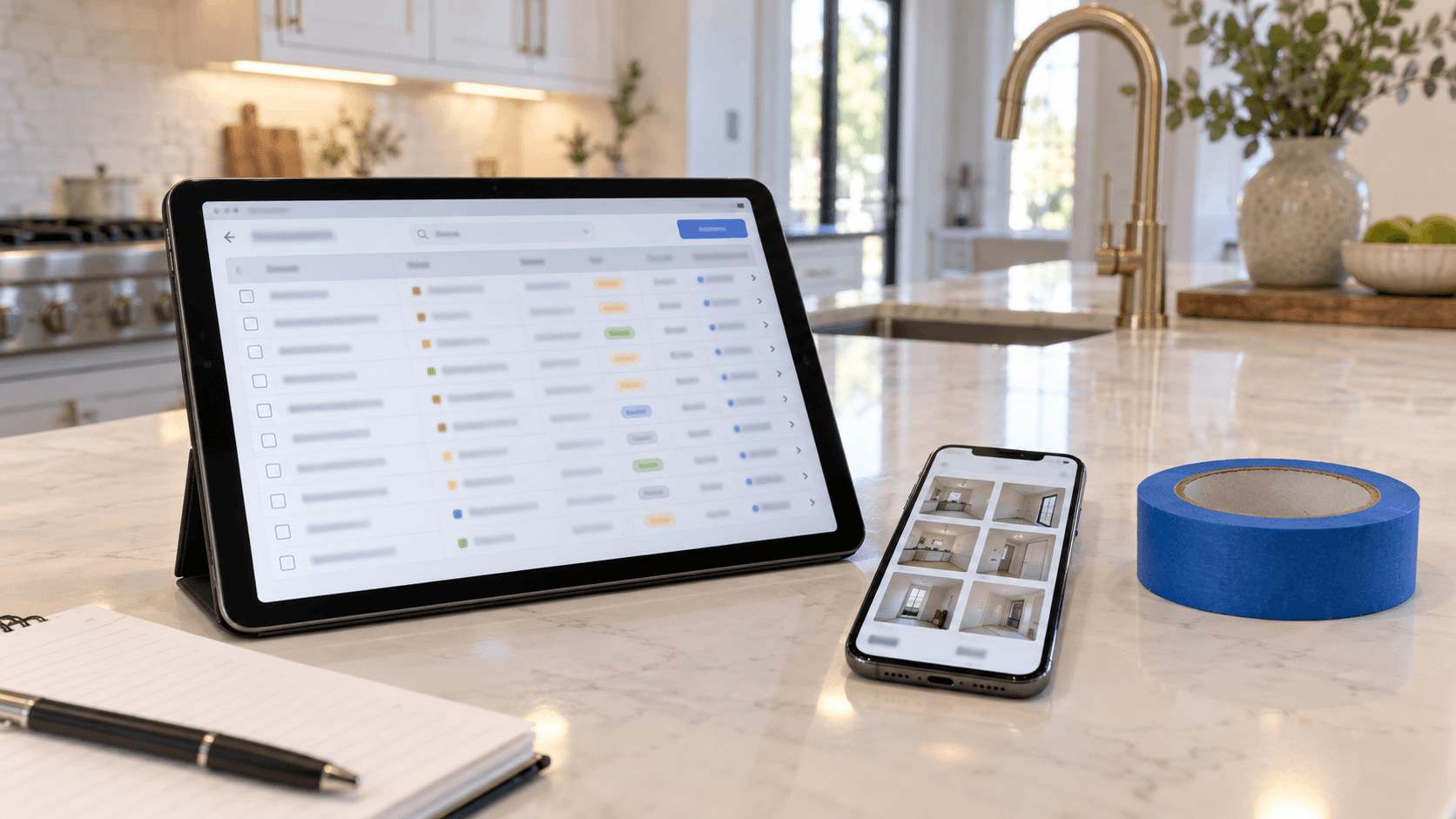
A simple sheet or table is enough. The value comes from consistent entries, not complex software.
Write facts, not conclusions
Describe what a person can find and check. “Powder room faucet drips after handle is closed” is clear. “Plumbing installed wrong” guesses at the cause.
Use the inspector's exact report language when an item comes from the report. Add the report page and photo number. Do not rewrite a limited observation into a broader claim.
The common new construction defects guide groups visible concerns by system and explains when another expert may be needed.
Rank the list by consequence
Start with items that could affect safety, active water entry, security, a major system, access, or the ability to use the home. Then cover incomplete work, damage, option mismatches, and cosmetic finish items.
A simple priority system can be:
Priority 1: active safety, water, electrical, security, or major-system concern;
Priority 2: missing, broken, or incomplete item needed for normal use;
Priority 3: damage, option mismatch, or item likely to worsen;
Priority 4: cosmetic finish or cleaning item.
This is an organization tool, not a legal ranking. The contract, experts, builder, lender, and local authorities may treat an item differently.
Separate inspection findings from finish items
Private inspection findings should keep their report reference. Finish items from the buyer walkthrough should keep their tape or photo number. Builder internal items should stay labeled as builder items when known.
This separation helps the right person respond. A paint touch-up may go to the finish team. A possible leak may go to a plumber. A technical electrical concern may need the inspector, electrician, or authority.
Florida's home-inspector rules list the systems and limits of a licensed inspection. A punch-list spreadsheet does not replace that scope.
Link photos to the list
Use one wide photo to show the room and one close photo to show the item when needed. Name the photo with the item number. Keep original files.
Do not send a folder of unlabeled pictures and expect the builder to find every spot. The written row should stand on its own.
When a photo contains a serial number, access code, personal paper, or face, crop or protect private details before sharing.
Confirm the official builder record
Your master list and the builder's accepted list may not match. Ask which builder record controls its work orders. Get a copy or screenshot when allowed.
Compare item by item:
accepted;
scheduled;
reported complete;
not accepted;
moved to warranty;
needs more information; or
no response yet.
Do not mark an item complete because it vanished from an app view. Keep the last known status and ask.
Track owner and next action
Every open row should have a next action. It may be the builder assigning a trade, the buyer sending a clearer photo, the inspector explaining the report, or the parties deciding how closing will handle the item.
Use plain status names:
Open
Builder reviewing
Scheduled
Reported complete
Verified
Not accepted
Deferred in writing
Needs expert review
“Done” is too vague when no one knows who checked it.

Set dates carefully
Record dates the builder actually gives. Do not invent deadlines or assume every item must be closed before the closing date.
The sales contract, addenda, walkthrough forms, repair agreements, lender needs, and applicable law control the effect of open work. If an item could change closing, contact the agent, lender, closing professional, and Florida attorney as needed.
Keep email, portal messages, forms, and screenshots. A phone call can solve a problem, but send a short written recap afterward.
Use the blue tape checklist to find items
The punch list manages items after they are found. It is not the best tool for guiding the room-by-room visit.
Use the blue tape walkthrough checklist to review exterior areas, kitchens, bathrooms, bedrooms, garages, doors, windows, finishes, systems, and included options. Then transfer each item into the master list.
This keeps the field check simple and the management record complete.
Review the list with the builder
Before leaving the walkthrough, compare counts. If there are 28 tape marks and only 24 written rows, find the four missing items. Confirm the contact person and how updates will arrive.
Ask:
Which items are accepted?
Which need another look?
Which trades will return?
Will the buyer receive completion photos?
When is the repair-check visit?
How are new items reported?
What happens to work that remains open at closing?
Record answers, but do not turn a casual estimate into a promised date.
Verify reported repairs
“Reported complete” and “verified” are different statuses. Verify what can be checked safely and within your role.
For a paint chip, look at the spot in normal light. For a cabinet, open and close it. For a door, test the latch and lock. For a faucet, use normal flow and look for the prior result. For an appliance, use simple controls.
Do not open panels, climb, or repeat technical tests. Ask the original inspector about reinspection for important technical findings.
What if work is hidden?
If a repair will be covered by drywall, trim, concrete, soil, or another finish, ask whether the right person can review it before concealment. A later visual check may not show what happened behind the surface.
Local permit inspections have a separate role. Miami-Dade County says required permit work must be inspected as part of the building process. A private punch list is not a permit record and does not replace required approvals.
Ask for available trade notes, invoices, photos, permits, or inspection results when they relate to the item. Their meaning depends on the document and work.
Keep the final walkthrough focused
Bring the master list to the last visit. Filter it to accepted items that should be complete, high-priority items, included property, and any space affected by later work.
The new construction final walkthrough checklist helps buyers verify the last visible condition. Do not spend that short visit rebuilding the list from zero.
The Consumer Financial Protection Bureau advises buyers to confirm agreed repairs and included property before signing. If something important is not as agreed, contact the people handling the transaction at once.
Open items at closing
Do not rely on a verbal promise. Ask how each open item will be documented, who owns it, what date or event applies, and which process follows closing.
An open item may be handled before closing, through a written agreement, through the builder's service process, or another way. The correct path depends on the documents and facts.
Do not sign a release, completion statement, or change you do not understand. Get legal advice when the effect matters.
Save the list after move-in
Keep the final list, builder responses, inspection report, completion records, warranty, closing documents, option sheets, manuals, and photos together.
After move-in, do not reopen every old cosmetic item as a new claim. Use the builder's written warranty and service process. Record new concerns with dates and photos.
The old list can show what was first reported and how it was handled. That history is useful when the same area changes later.

Punch-list quality check
Before you call the list complete, confirm:
every row has a room and exact spot;
each photo matches an item number;
inspection items keep the report page;
builder responses are copied correctly;
open rows have an owner or next action;
reported-complete items were checked when needed;
rejected items remain in the history;
no private access codes are shared; and
the final file is saved with closing and warranty records.
Common Questions
Is a punch list the same as a blue tape walkthrough?
No. The walkthrough is the visit used to find and mark items. The punch list is the written record used to manage those items.
Who creates the punch list?
The builder may have an internal list, and the buyer may have a separate list. Ask which record is official for builder work and keep your own master copy.
Should cosmetic items be included?
Include clear visible items that fit the builder's stated standard. Rank them below urgent safety, water, system, incomplete, or damage concerns.
Can inspection findings go on the punch list?
Yes, but keep the inspector's wording, page, photo, and source clear. The builder's response and contract determine the next step.
When is a punch-list item complete?
Use “reported complete” when the builder says it is done. Use “verified” after the agreed safe check confirms the expected result.
What if items remain open at closing?
Ask for written terms covering the item, owner, timing, and process. Contact your agent, lender, closing professional, or attorney when the open work affects the transaction.
Turn every open item into a clear next step
National House Search helps Florida new-construction buyers organize walkthrough items, inspection findings, builder responses, and closing checks. Call 561-704-0091 or schedule a buyer consultation to build a punch list that is easy to track and verify.