Schlage Encode: How the Smart Deadbolt on Every Coral Landings Home Works
In this article
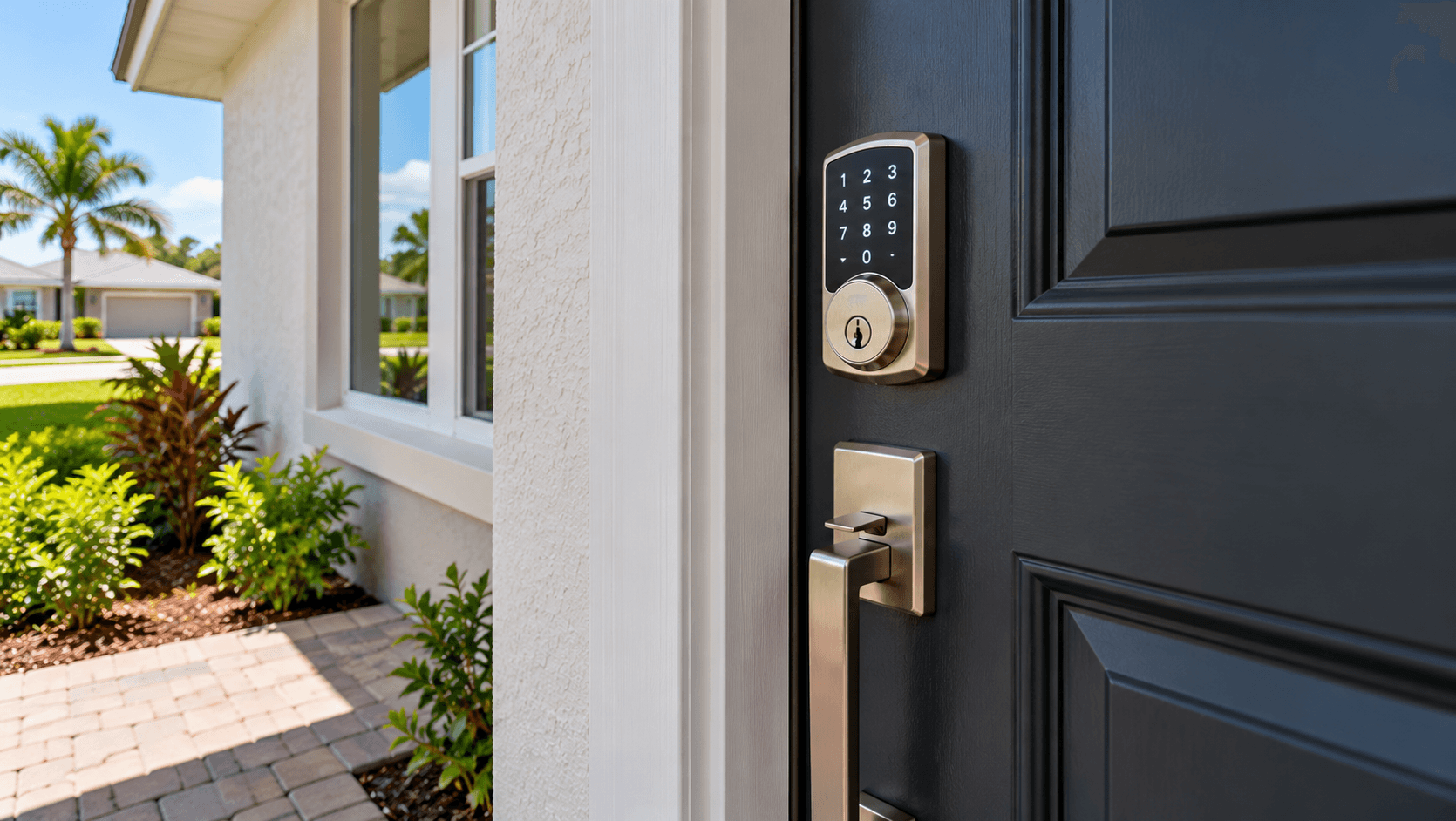
The Schlage Encode is a smart deadbolt with built-in Wi-Fi. Lennar lists it on every home at Coral Landings in Homestead. With the Schlage Home app, you can lock and unlock the door from your phone, give family members their own codes and see a history of who came and went. It works with Alexa and Google Assistant, according to Schlage.
This guide explains what the Schlage Encode does, what Lennar says about it, and how to set it up on move-in day at Coral Landings, Lennar's community on SW 312th Street.
What Lennar Lists
Lennar's feature list for all five Coral Landings plans includes this line: ""Schlage Encode™ Smart WiFi Deadbolt provides hassle-free, secure access from anywhere and anytime.""
The same list also includes:
A Ring Video Doorbell
A Wi-Fi enabled thermostat
A LiftMaster garage door opener with a built-in camera
A centralized media panel
So the front door lock is one part of a small smart-home package. Every plan gets the same list, from the 1,670-square-foot Crownstone to the 2,474-square-foot Vanguard.

What Is the Schlage Encode?
A deadbolt is the strong lock above the door handle. A smart deadbolt adds a keypad and a way to talk to your phone. The Schlage Encode talks to your home Wi-Fi directly.
Schlage describes it this way on its product page: ""Control and monitor your home from anywhere with built-in WiFi. Pair with the Schlage Home app to lock and unlock remotely, grant access to trusted friends and family with customized access codes, and view lock history.""
Here is what that means in plain words:
Built-in Wi-Fi. The lock connects to your home network.
Remote lock and unlock. Forgot to lock up? Do it from your phone.
Access codes. Each person can get their own code.
Lock history. You can see when the door was locked or unlocked.
Schlage's page also says ""Unique codes and access alerts—perfect for families."" You can read more on the Schlage Encode product page.
Voice Assistants
Schlage says the Encode ""Pairs seamlessly with Alexa and Google Assistant."" If you already use a smart speaker, you can connect the lock to it. Read the app's settings before you turn on voice unlock. Some people choose to allow voice locking only.
Strength Ratings
Schlage says the Encode is ""Backed by a best-in-class BHMA rating in security, durability and finish."" Ask the sales team for the product sheet if you want the full rating details.
Why Codes Beat Spare Keys
A smart lock is most useful when lots of people come and go. Think about:
A dog walker who needs in at noon
A relative who checks on the house while you travel
Kids who come home before you do
A repair person on a set day
Each person can get a code. When they no longer need it, you delete their code. No one has to return a key. No one has to hide a key under a mat.
Move-In Day Setup Checklist
When you get your keys at closing, take an hour to set up the lock. Here is a simple list.
Download the Schlage Home app. Make your own account.
Ask Lennar how the lock was set up. Ask if any builder or trade codes are stored. Ask the team to show you how to clear them.
Connect the lock to your Wi-Fi. Your internet service needs to be on first.
Make new codes. Give each person a different code.
Turn on alerts. Pick which alerts you want on your phone.
Register the product. Schlage's site has a product registration link. Keep the receipt or closing papers that list the lock.
Read the manual. Schlage posts manuals and how-to videos on its support pages.
Save the paperwork with your home warranty papers. Lennar's own warranty is a 1-2-10 limited warranty. Ask the sales team how a lock problem is handled during year one.

How the Lock Works With the Rest of the House
Lennar also includes a camera garage door opener. If your family comes and goes through the garage, you can check both doors from your phone. Our guide to the LiftMaster garage door opener with a camera at Coral Landings explains that part.
If you want the big picture on connected homes, our explainer on what a smart home is covers the basics. For a close look at a Ring doorbell in a Lennar home, see our Ring Video Doorbell Pro guide from Del Mar.
Simple Privacy and Safety Tips
A smart lock is only as safe as the account behind it. A few habits help:
Use a strong password for the Schlage Home app. Do not reuse an old one.
Give codes, not your login. Share access codes with others. Keep the account to yourself.
Delete old codes. Review the list every few months.
Watch the history. If you see an unlock you do not expect, change the codes.
Keep your phone locked. Your phone is now part of your front door.
These steps take a few minutes and give you more control.
Questions to Ask Before You Sign
Which exact Schlage Encode model and finish comes on the home?
Who sets up the app, and when?
Does the media panel include a router, or do I bring my own?
What happens to codes stored before closing?
How do I get help if the lock does not connect?
Write down the answers. Bring them to your walk-through.
The Rest of the Standard List
The smart lock is one item on Lennar's ""Everything's Included"" list. The list also includes impact resistant glass windows, a washer and dryer, a stainless steel appliance package and a 6' wood shadowbox privacy fence. Our Coral Landings roof and included-features guide covers the full list and the warranty.
The Five Coral Landings Plans
Plan | Beds | Baths | Sq ft | Garage |
|---|---|---|---|---|
Crownstone | 3 | 2.5 | 1,670 | 1-car |
Empress | 3 | 2.5 | 1,813 | 1-car |
Pearlstone | 4 | 3 | 2,072 | 1-car |
Starlight | 4 | 2.5 | 2,227 | 1-car |
Vanguard | 5 | 3 | 2,474 | 2-car |
Plans start in the mid $400,000s and go into the mid $500,000s. Call 561-704-0091 for today's numbers.

Common Questions
What is the Schlage Encode?
It is a smart deadbolt with built-in Wi-Fi. Schlage says you can use the Schlage Home app to lock and unlock remotely, give people custom access codes and view lock history.
Do Coral Landings homes come with a Schlage Encode lock?
Yes. Lennar lists the Schlage Encode Smart WiFi Deadbolt in the included features for all five Coral Landings plans.
Does the Schlage Encode work with Alexa?
Schlage says the Encode pairs with Alexa and Google Assistant.
Do I need a hub for the Schlage Encode?
Schlage says the Encode has built-in Wi-Fi and pairs with the Schlage Home app. Ask the Lennar team how your home's network is set up.
Can I give a guest a temporary code?
Schlage says you can grant access to trusted friends and family with customized access codes. Delete a code when it is no longer needed.
What other smart features come with Coral Landings homes?
Lennar lists a Ring Video Doorbell, a Wi-Fi thermostat, a LiftMaster garage door opener with a built-in camera and a centralized media panel.
Try the Lock Yourself
Want to see the keypad and app in person? Call 561-704-0091 or schedule time at Coral Landings. We will show you the smart-home features in the model.
Related reading: Garage Door Opener With Camera · Architectural Shingles at Coral Landings